
How to install HYZR One
HYZR One mounts to the ceiling between the tee and the screen. Install it in a dedicated disc golf simulator or add it to your existing golf simulator. Setup takes only a few minutes.
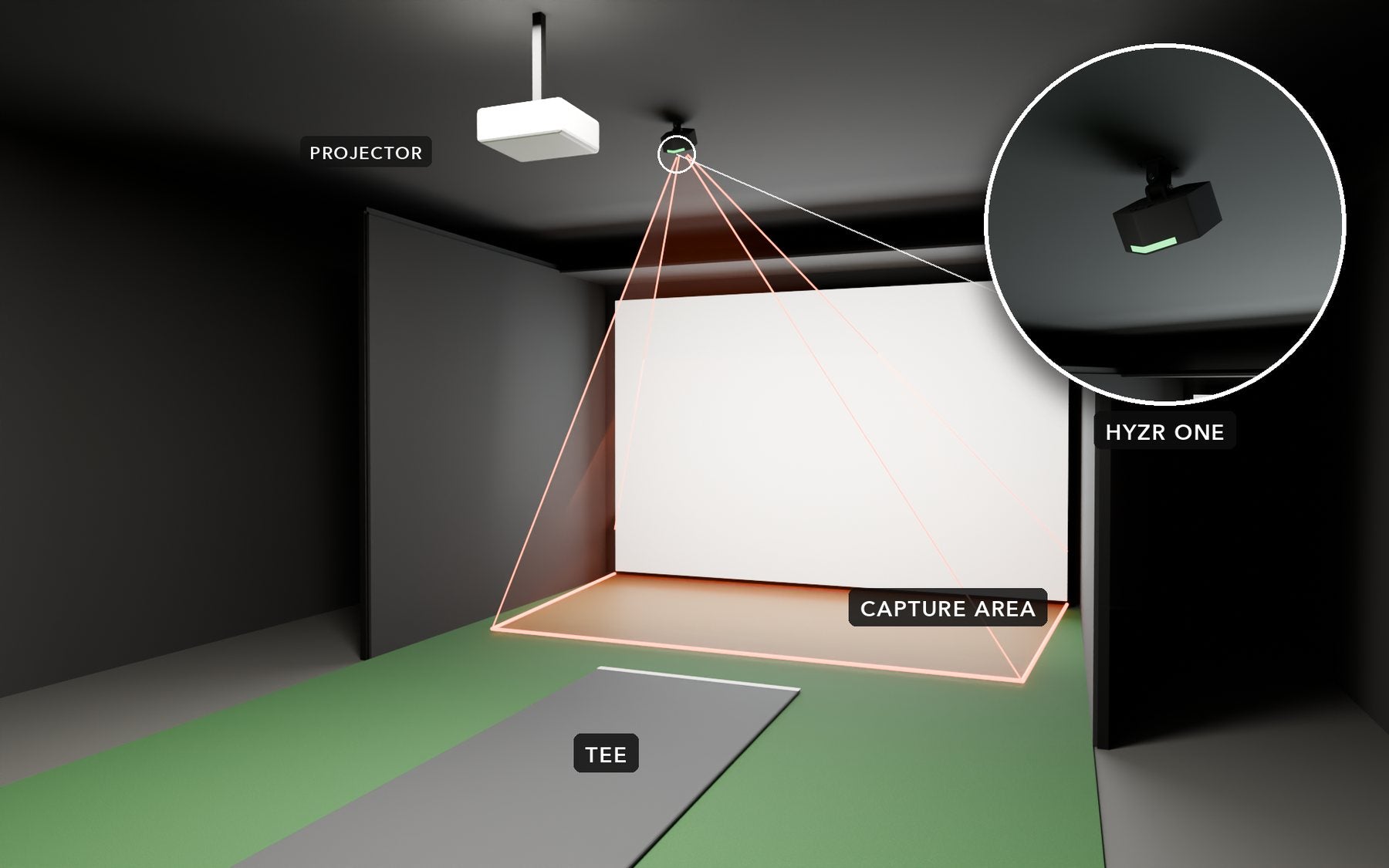
Centered above the tee, tilted toward the screen
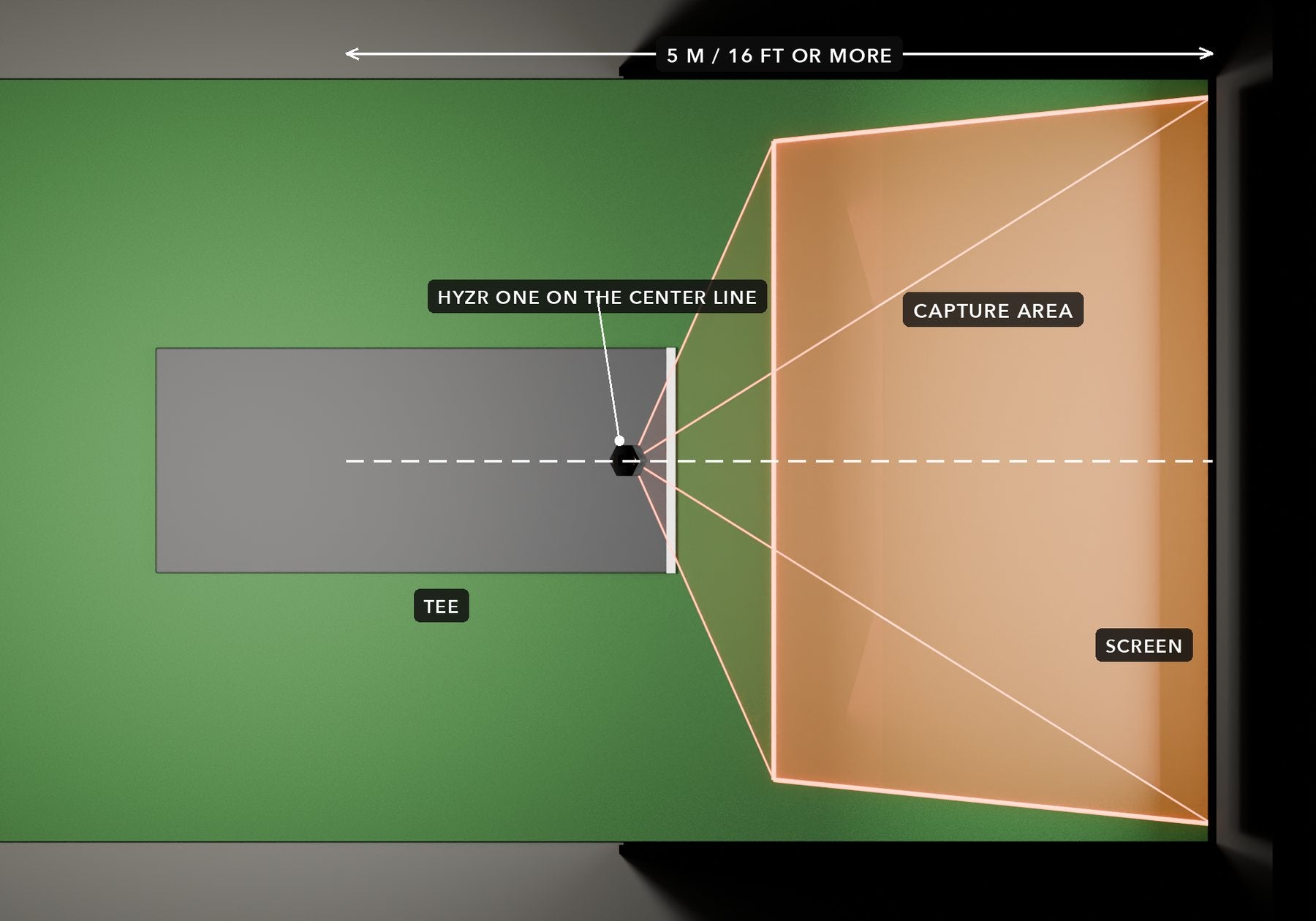
Mount HYZR One on the center line of the bay. The disc is released roughly under the device, and the cameras track it all the way to the screen.
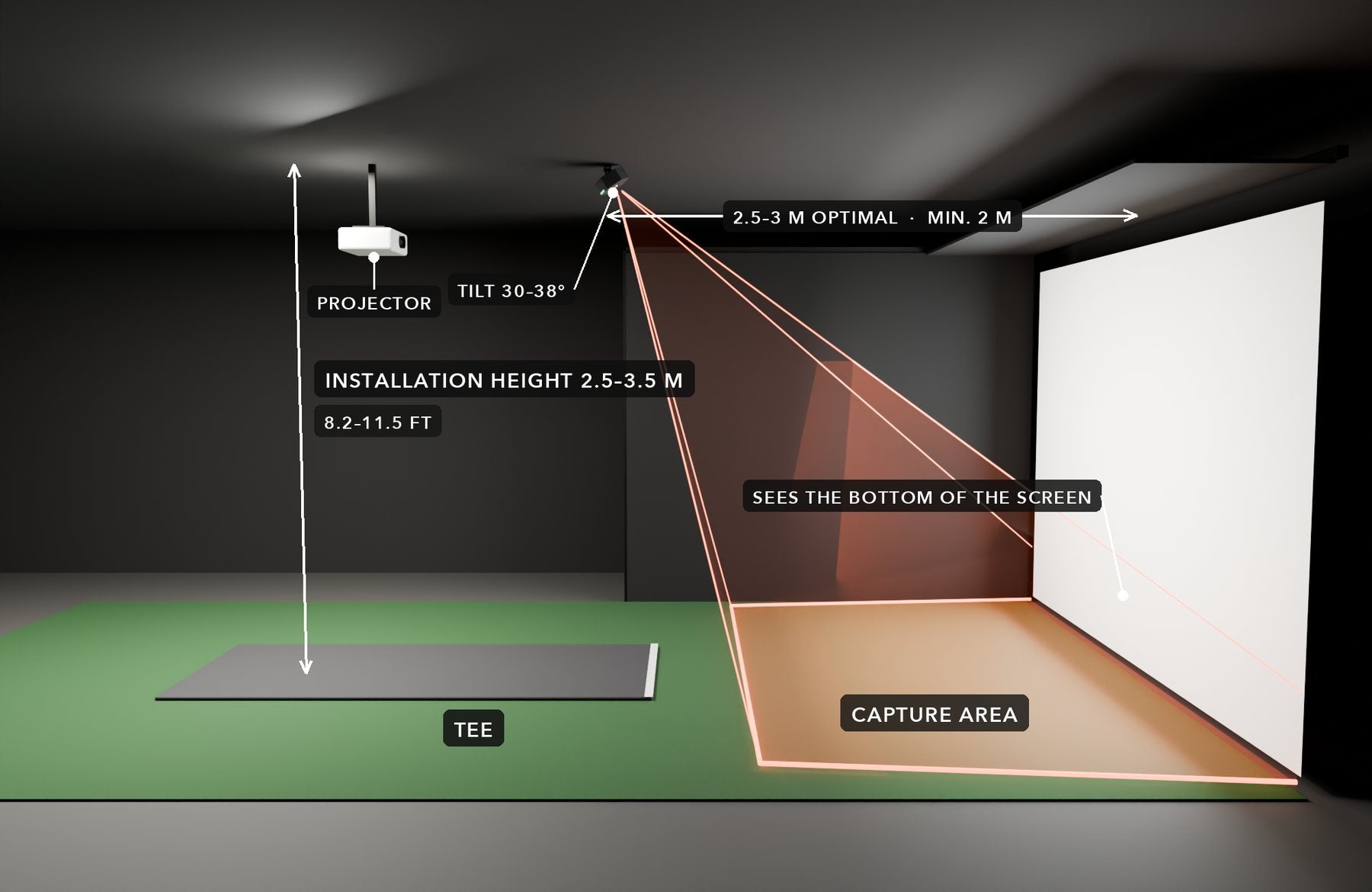
Add disc golf to your golf simulator
Your screen, enclosure, projector and PC can be shared. Mount HYZR One on the ceiling above the hitting area, install the HYZR software and start throwing.
- Screen & enclosureYour golf impact screen and enclosure work. Throw clean discs only.
- ProjectorAt least 4000 ANSI lumens, 1080p.
- PCWindows gaming PC. Minimum Intel i5, Nvidia GTX 1080, 16 GB RAM.
- Mounting2.5–3.5 m / 8.2–11.5 ft above the hitting area.
- ConnectionWi-Fi or Ethernet, and a power outlet.
Works alongside your launch monitor
HYZR One mounts above the hitting area, so your golf launch monitor stays where it is. Overhead units sit about 1 m in front of the ball, floor units behind or beside it.
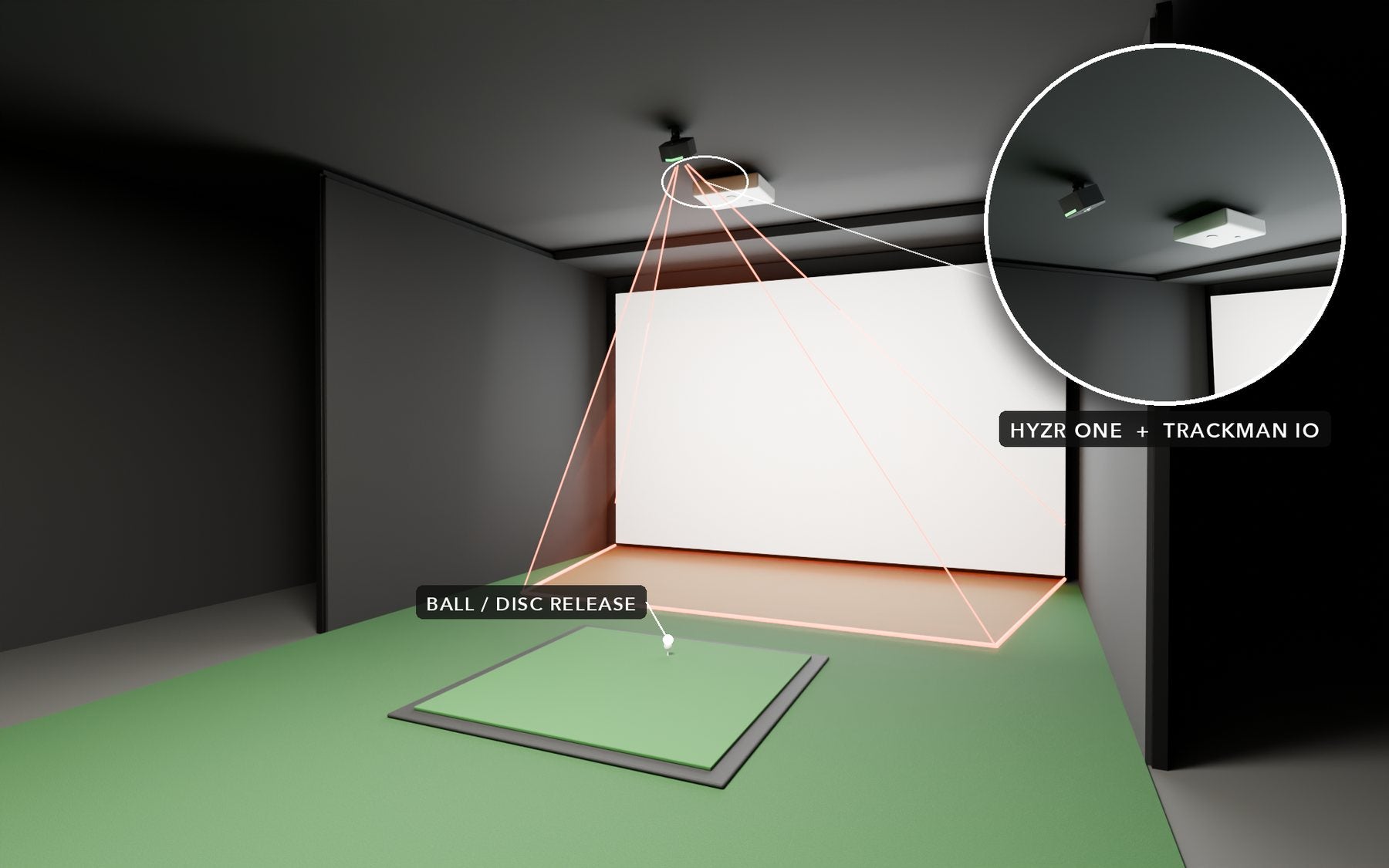
Trackman iO
HYZR One goes about 1 m behind the iO, above the ball.
iO: 92–110 cm in front of the tee, 270–320 cm high.
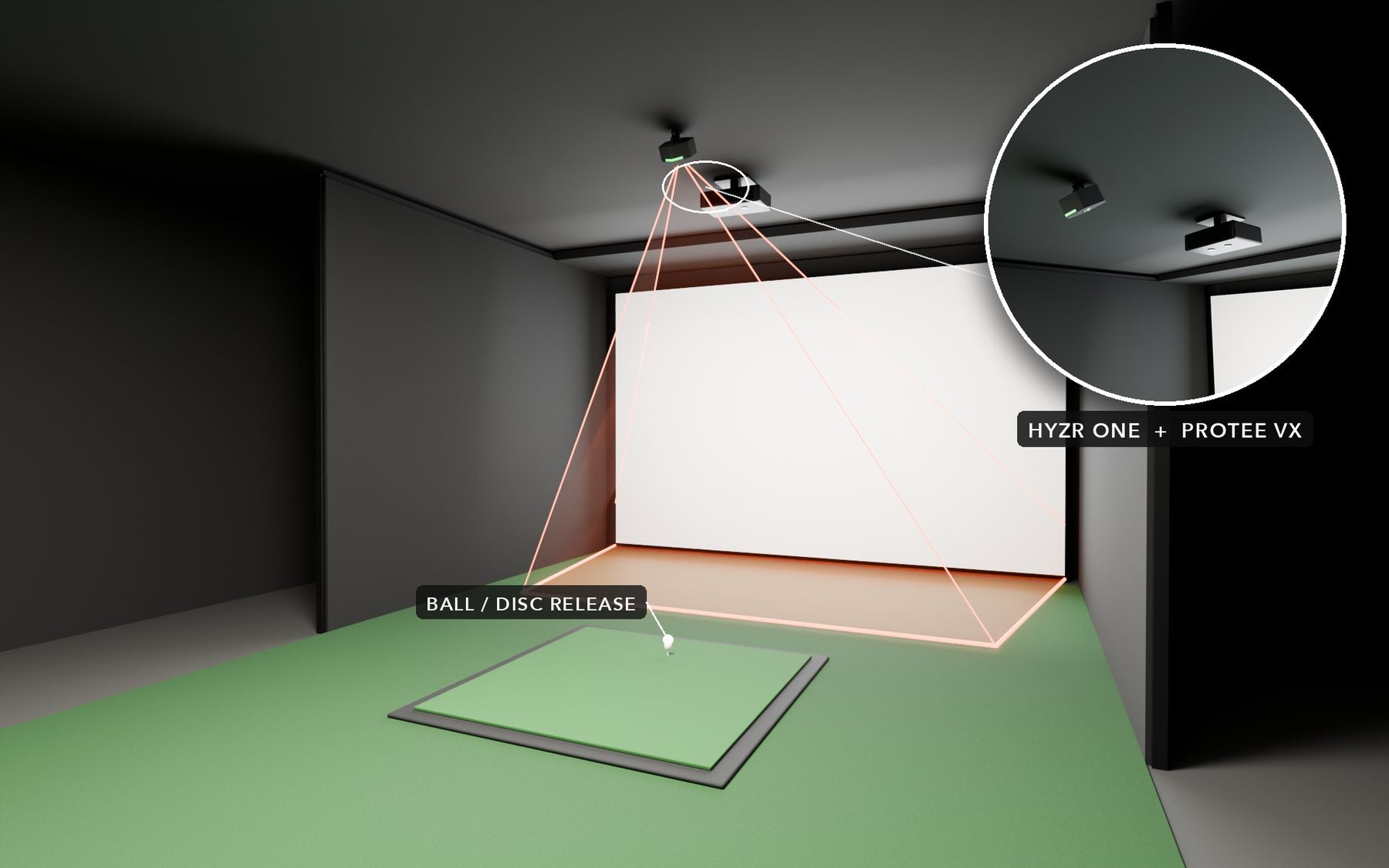
ProTee VX
HYZR One goes about 1 m behind the VX, above the ball.
VX: 1.02–1.09 m (3'4"–3'7") in front of the ball, 9–10 ft high.
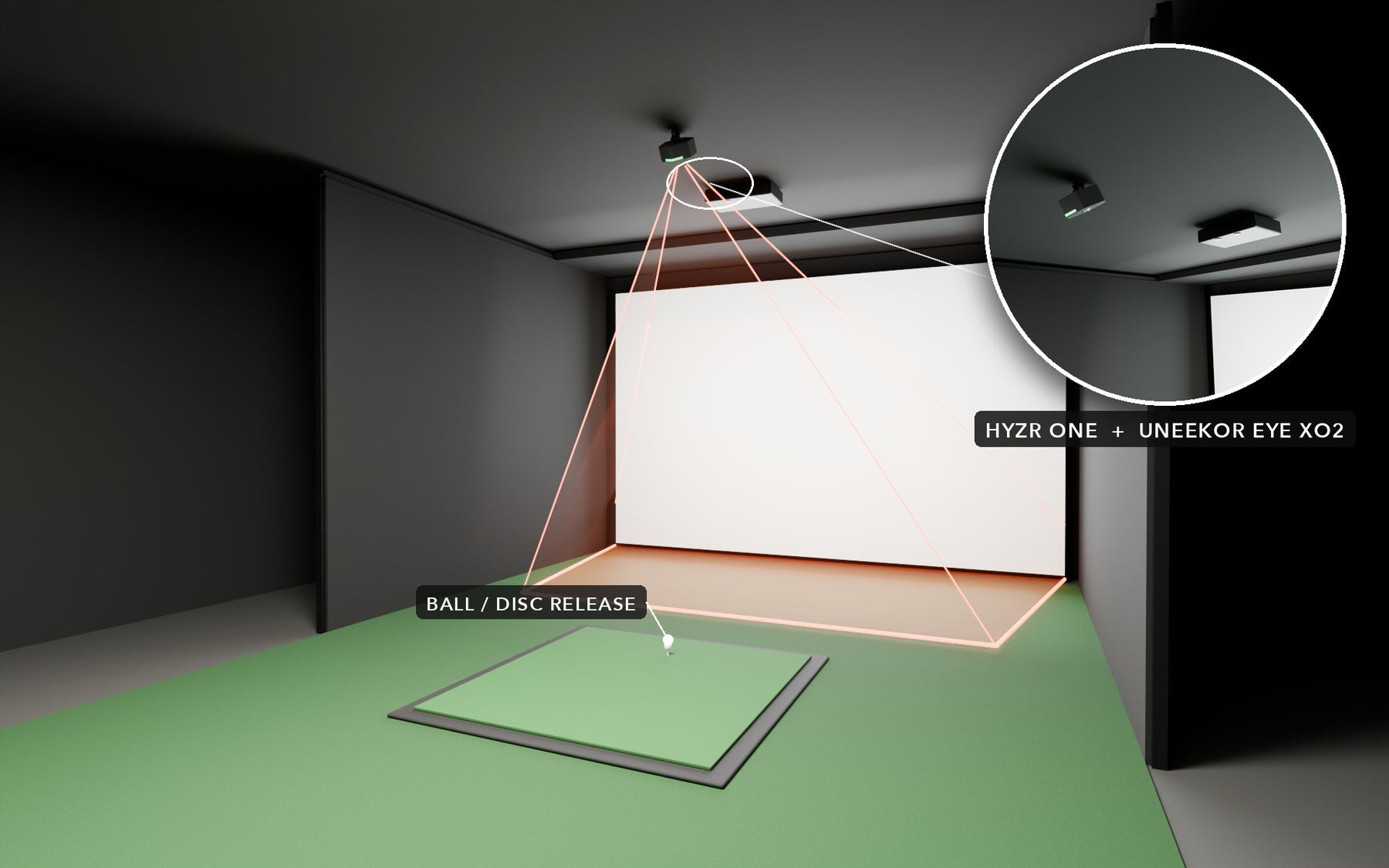
Uneekor EYE XO2
HYZR One goes about 1 m behind the XO2, above the ball.
XO2: 1.07 m (3.5 ft) in front of the tee, 9–10 ft high.
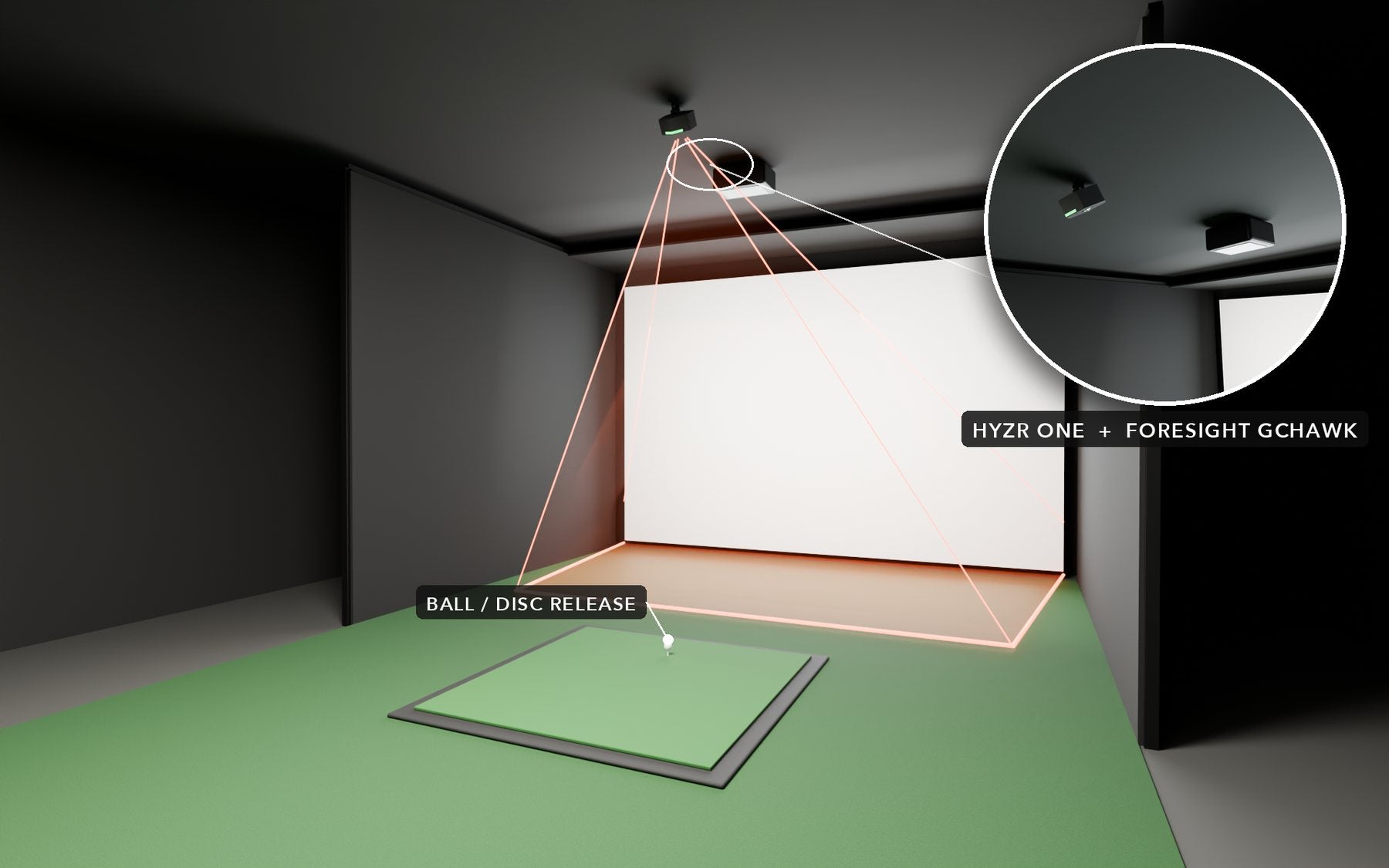
Foresight GCHawk
HYZR One goes about 1.2 m behind the GCHawk, above the ball.
GCHawk: about 1.22 m (48 in) in front of the tee, 10–10.5 ft high.
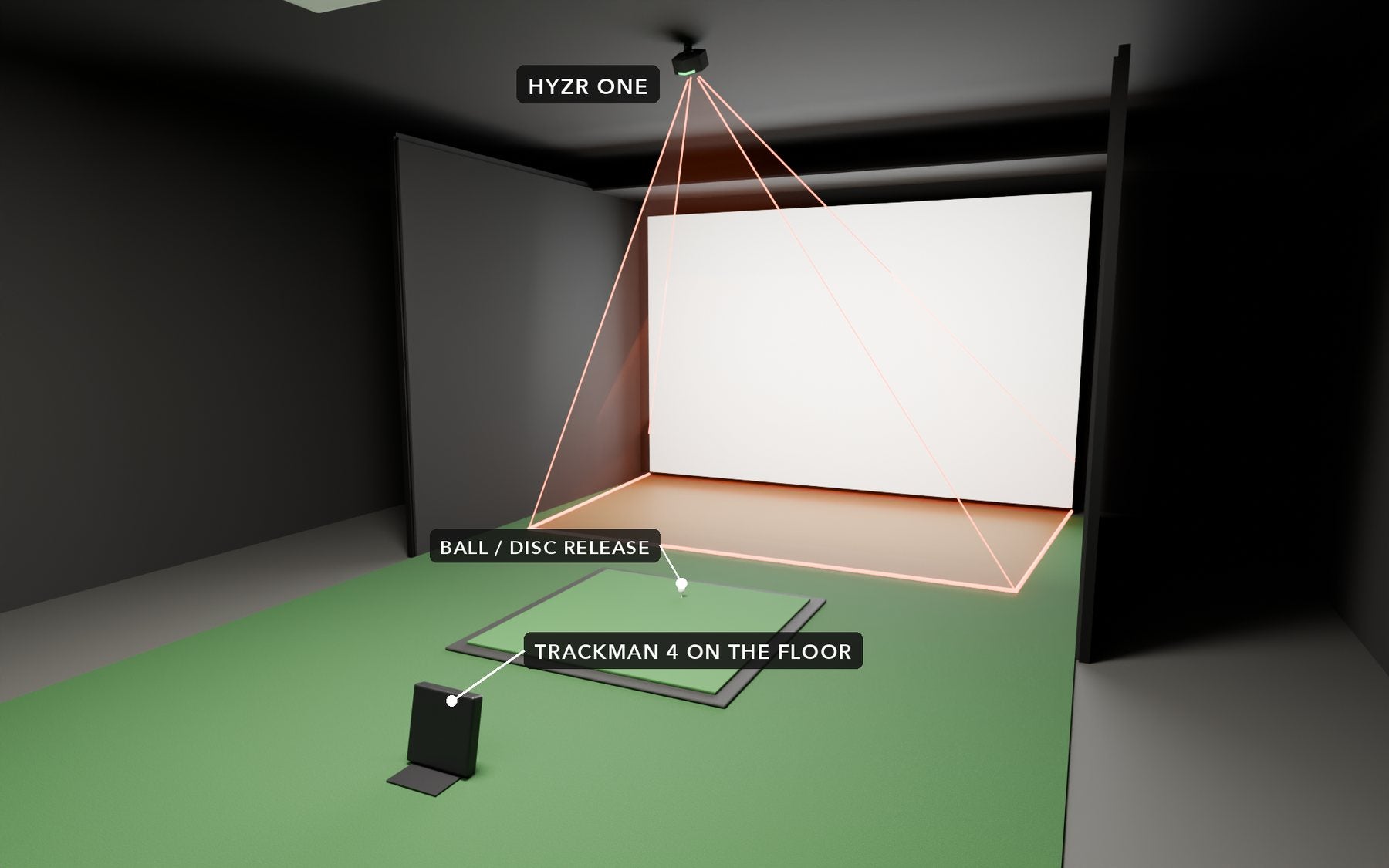
Trackman 4
HYZR One goes on the ceiling above the ball. Move the Trackman 4 aside if it is in your run-up.
TM4: on the floor 6–9'6" behind the ball.
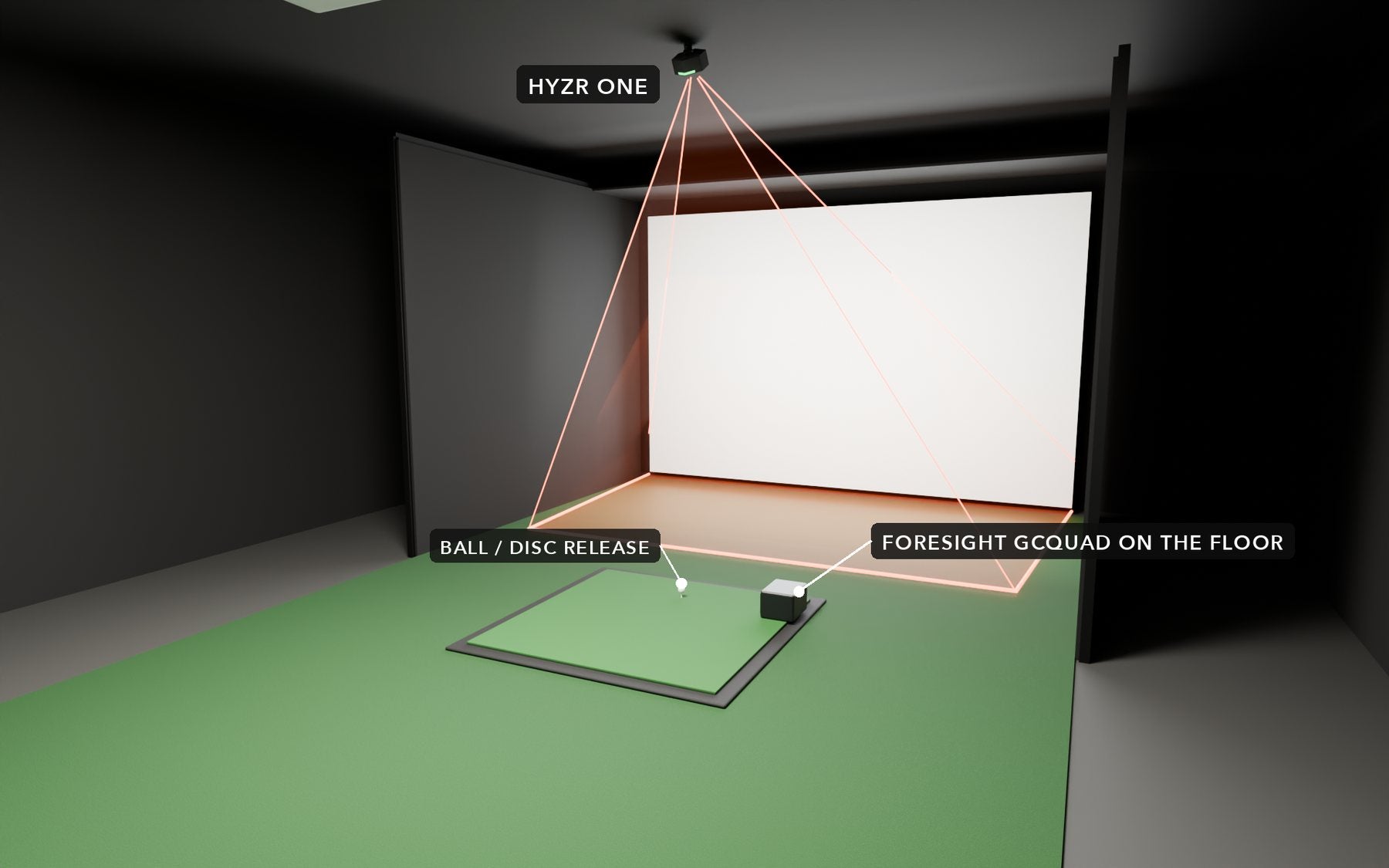
Foresight GCQuad
HYZR One goes on the ceiling above the ball. Move the GCQuad off the mat when throwing.
GCQuad: on the floor 56 cm (22 in) beside the ball.
Launch monitor positions are based on each manufacturer's installation guidelines. Have a different setup? Contact us.
Four steps to your first throw
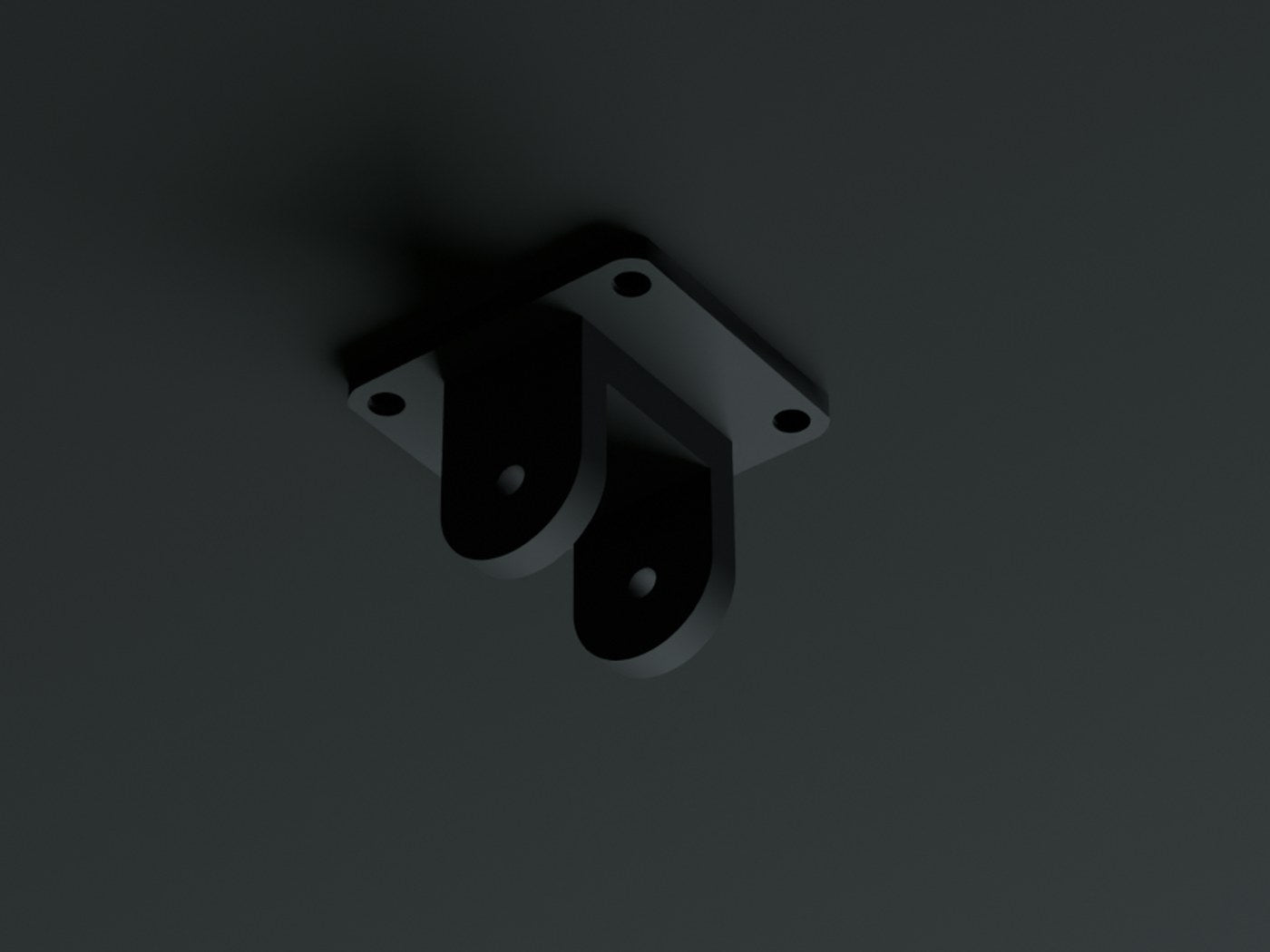
Mount
Attach the mounting bracket to the ceiling on the center line of the bay, 2.5–3 m from the screen.
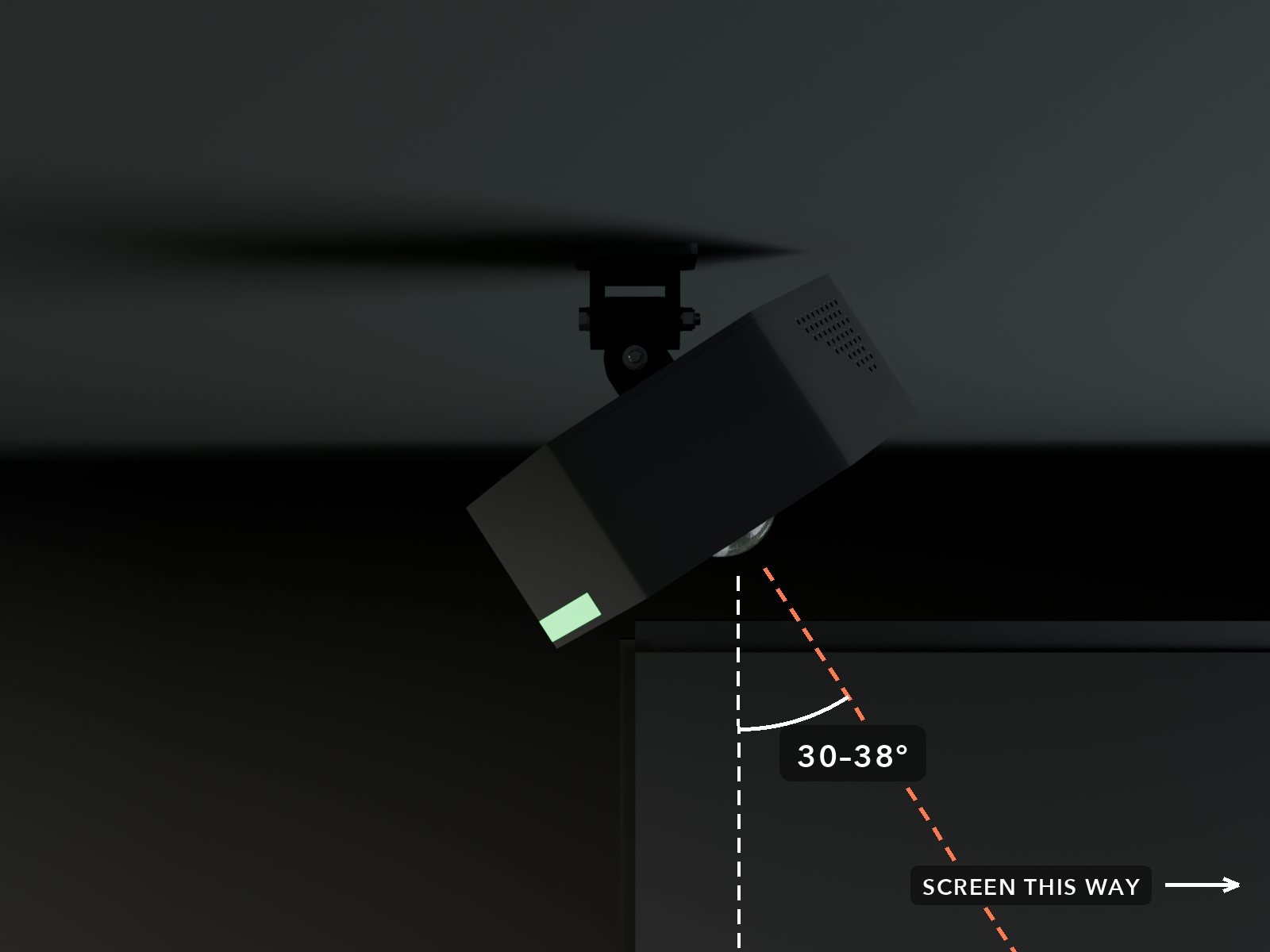
Tilt
Attach HYZR One and tilt it 30–38° toward the screen. Fine-tune with the live camera view.
Connect
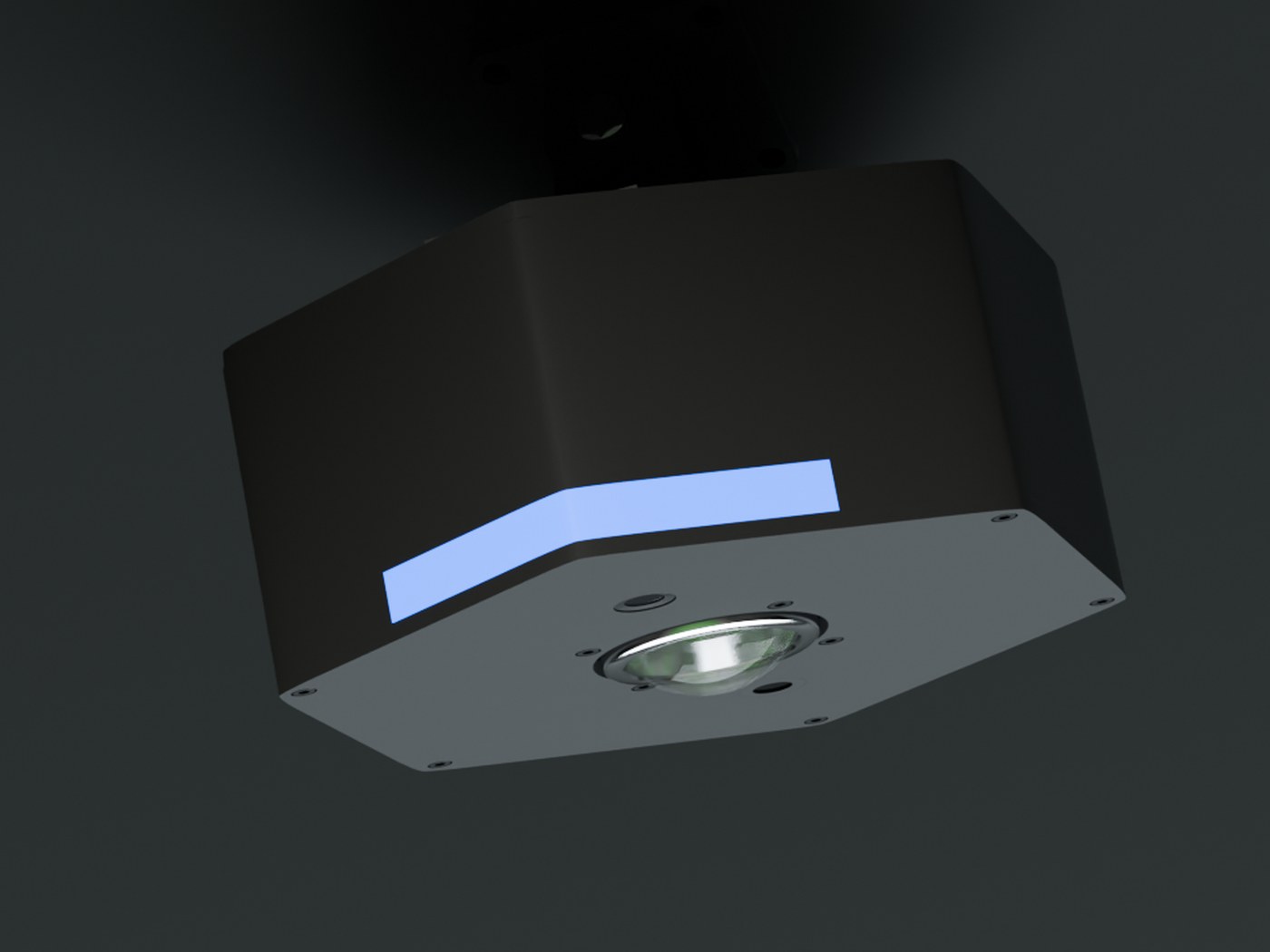
Plug in the power and connect HYZR One to your Wi-Fi through the HYZR software.
Calibrate
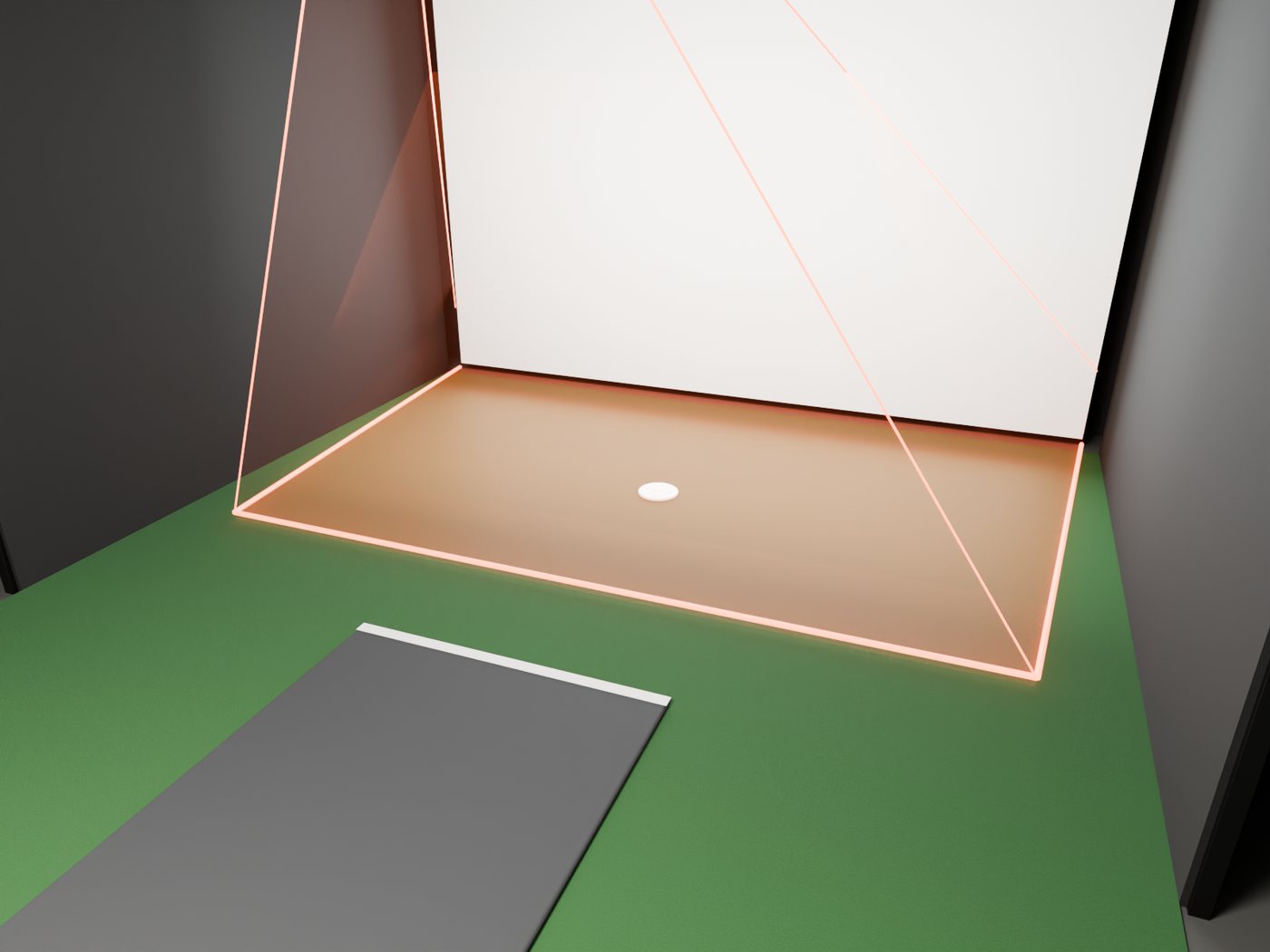
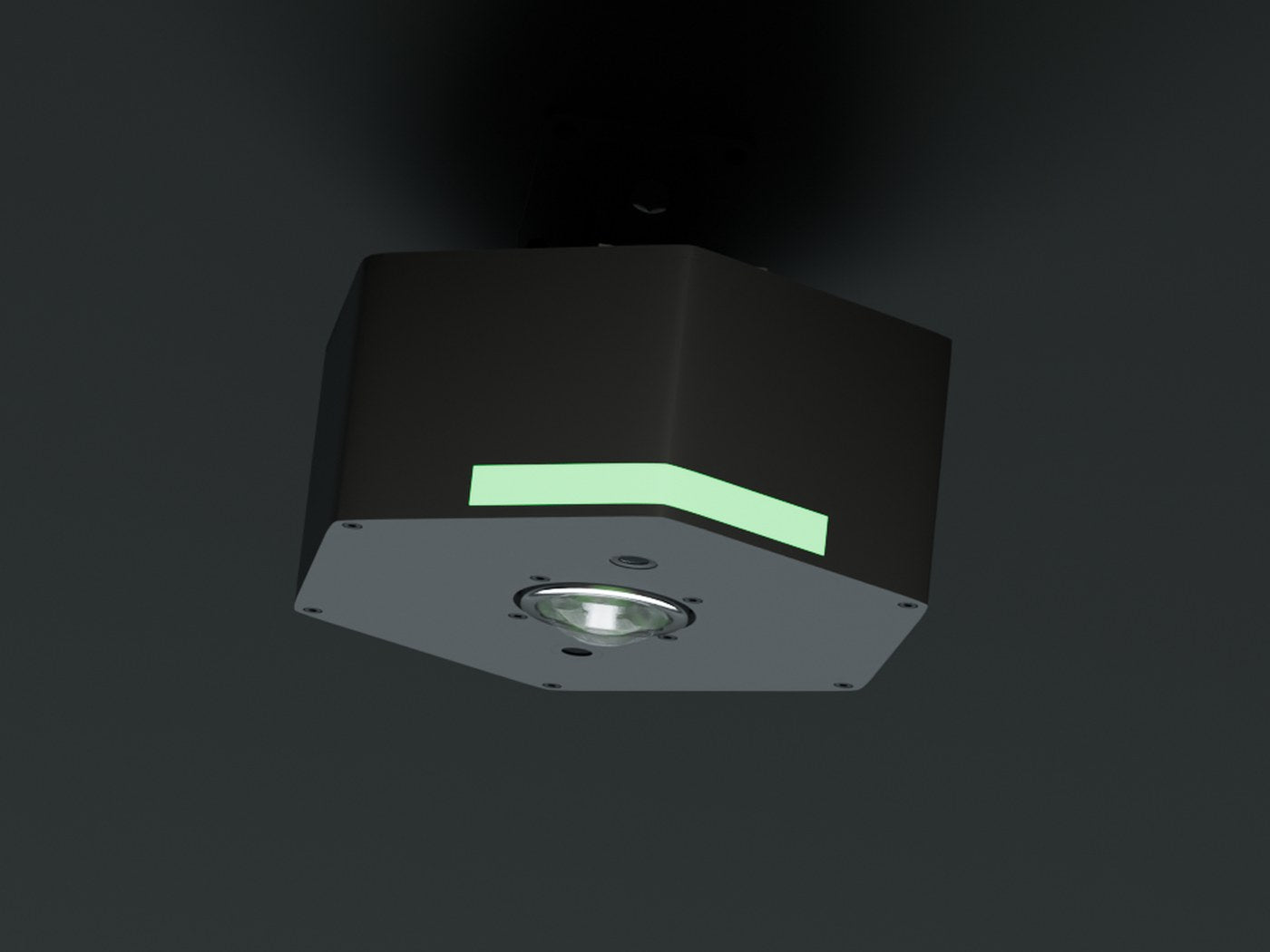
Place a marked disc on the floor and run the automatic calibration. Green light means ready.
Detailed instructions are included in the HYZR One Quick Start Guide.
In the box
- HYZR One launch monitor
- Mounting bracket
- HYZR disc
- Sticker pack (100 pcs)
- Ethernet extension adapter
- HYZR software
Also needed
- Disc golf impact screen
- Enclosure
- Projector, at least 4000 ANSI lumens, 1080p
- Windows gaming PC
Need the full setup? Contact us for a complete HYZR system.
Not sure if it fits your space?
Send us your ceiling height, room size and a photo. We'll help you plan the setup.