Need help?
Frequently Asked Questions
Setup & Space
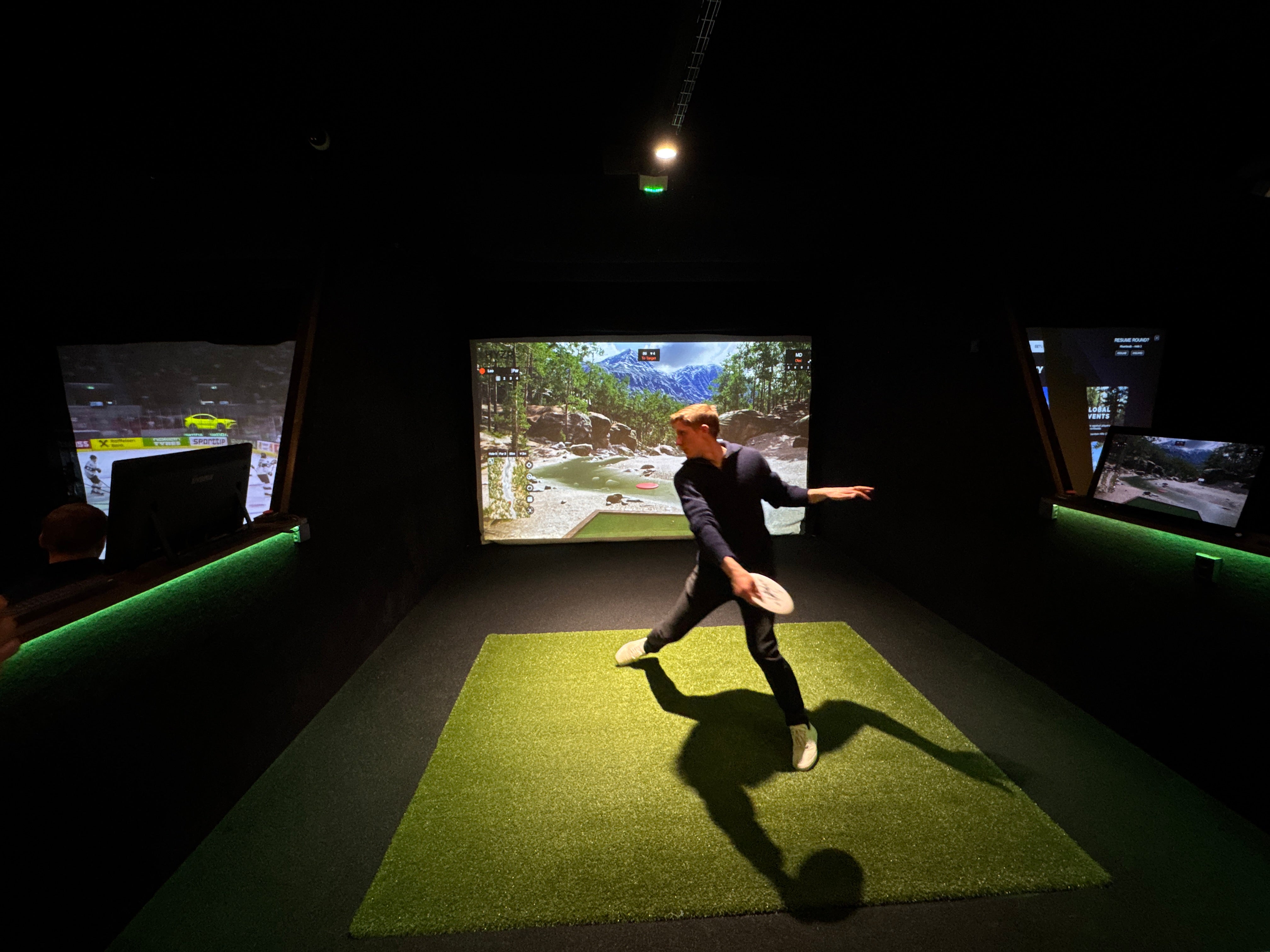
The minimum installation height for HYZR One is 2.5 m / 8 ft. For the best overall simulator experience, we recommend installation height of 3.3 m / 11 ft.
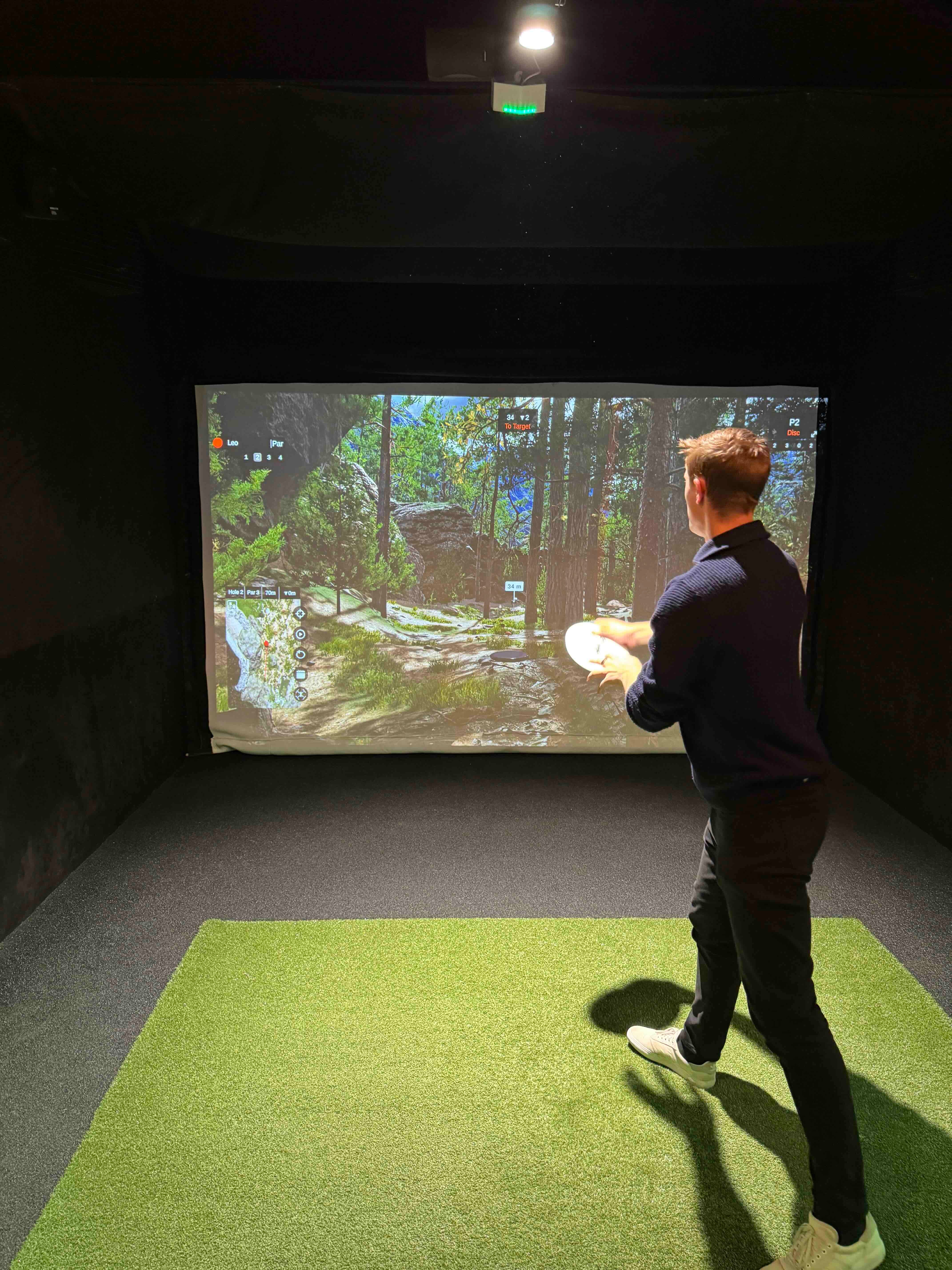
The width and length of the room are usually not limitations for HYZR One itself, as long as you have enough space for a comfortable run-up and throw. Larger spaces simply allow for a bigger screen, more freedom of movement, and a more premium simulator setup.
An enclosure is not strictly required, but it is strongly recommended. It helps protect the room from missed throws and makes the simulator feel more immersive and professional.
We recommend using our disc golf impact screens that are designed to withstand hard throws and last for years.
Computer, Projector & Hardware
Yes. HYZR requires a separate computer to run the simulator software. We recommend using a dedicated Windows gaming PC for the best performance.
Our minimum recommended specs are:
- Intel i5 processor
- Nvidia GTX 1080 graphics card
- 16 GB of RAM
For the smoothest experience, we recommend using a dedicated Windows PC that meets or exceeds these specs.
Yes. A projector is needed to display the HYZR software on the screen and create the full simulator experience.
We recommend a ceiling-mounted short-throw projector with at least 3000 ANSI lumens of brightness and 1080p resolution.
Discs & Markers
Yes. HYZR One works with your own discs when fitted with HYZR reflective markers. HYZR is designed to work with any disc.
No. You do not need special sensor discs. HYZR works with real discs fitted with HYZR reflective markers.
Yes. Each HYZR One purchase includes 100 reflective markers and a marker placement tool, so you can prepare multiple discs right away.
We recommend using clean discs, especially with a white impact screen. Dirty discs can leave marks on the screen over time.
Yes, but clean, light-colored discs are usually the best choice if you want to keep the screen in the best possible condition.
Software & Features
Yes. HYZR software is included with HYZR One as part of the launch monitor and software package.
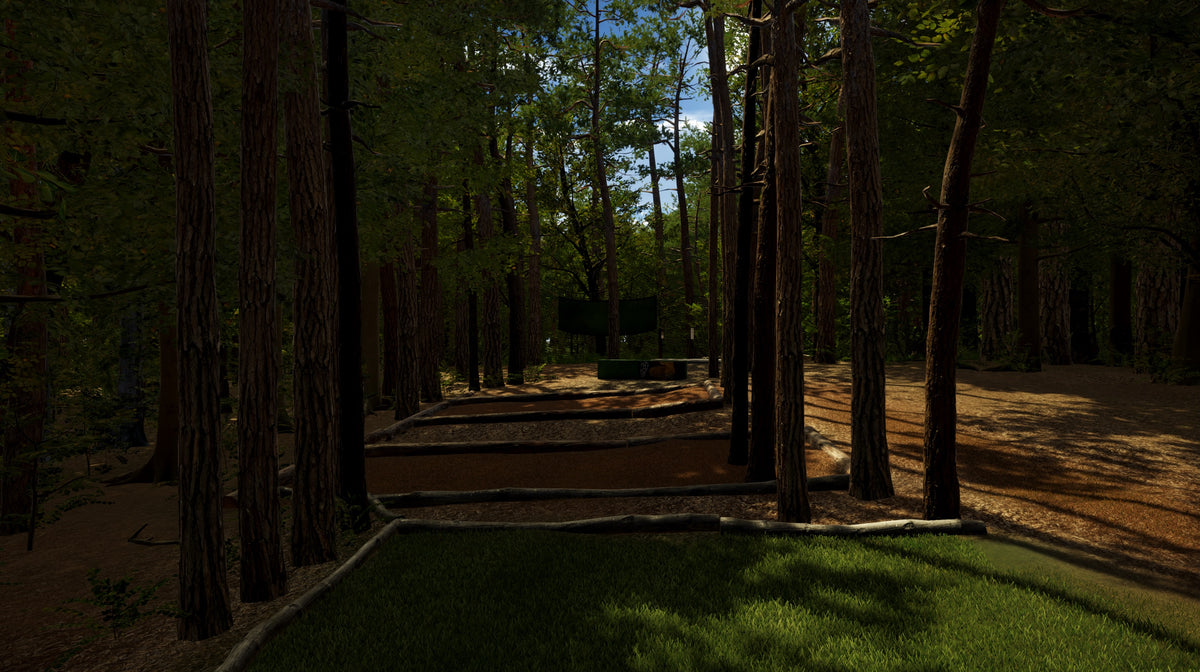
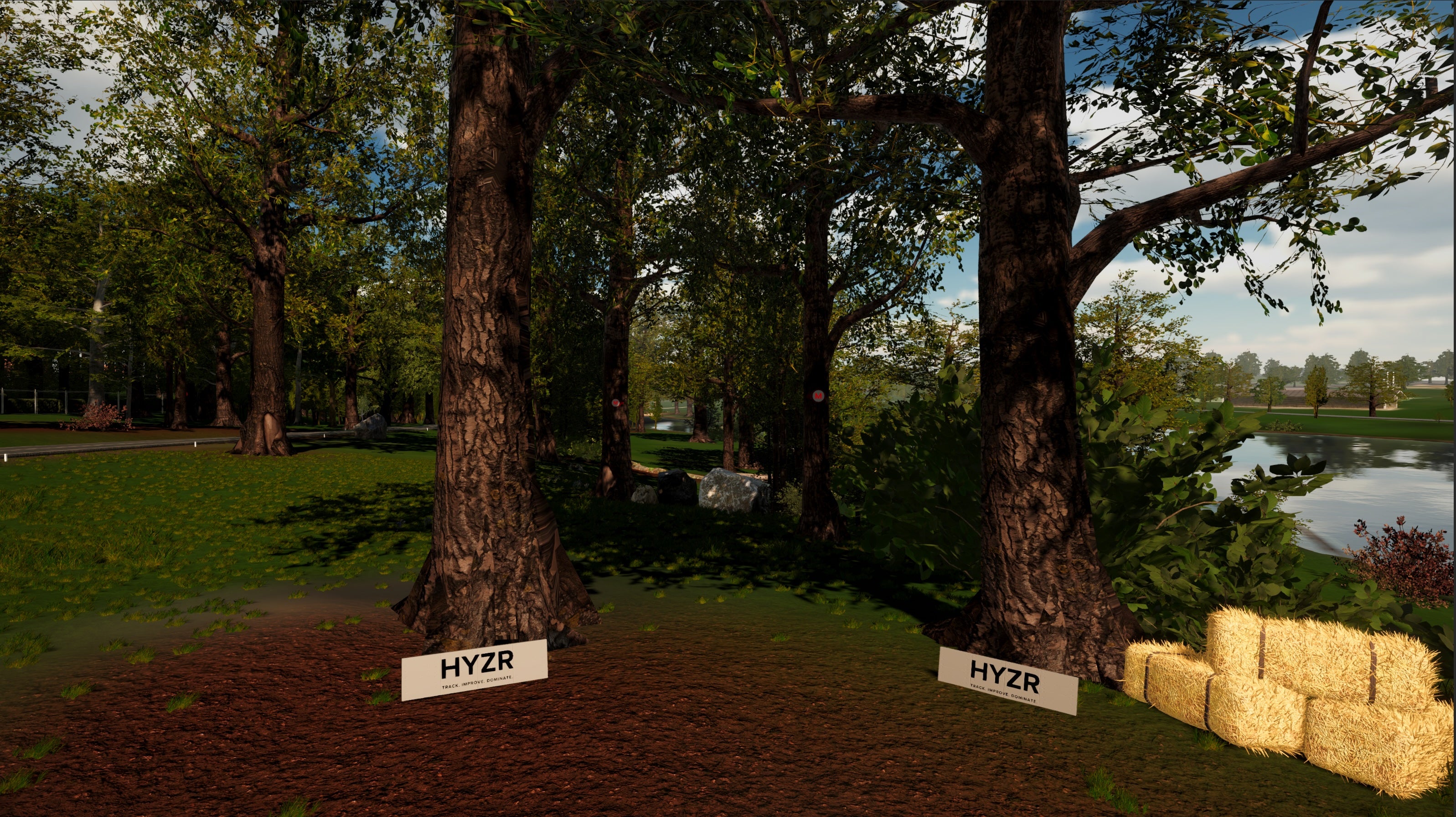
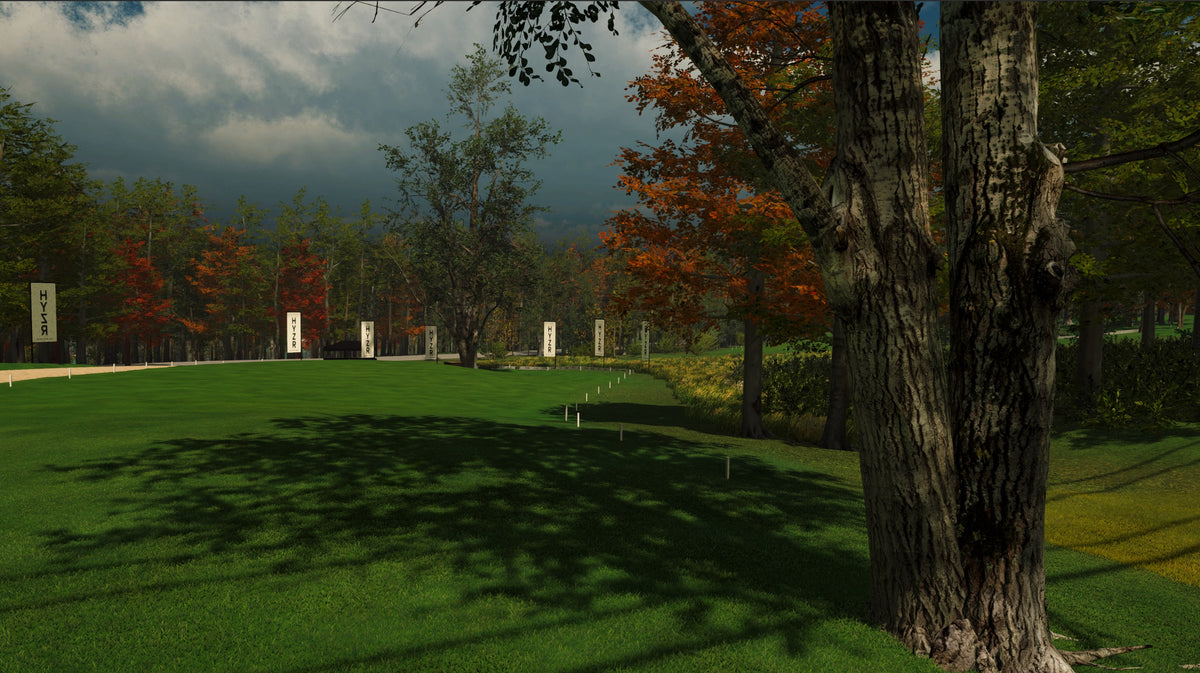
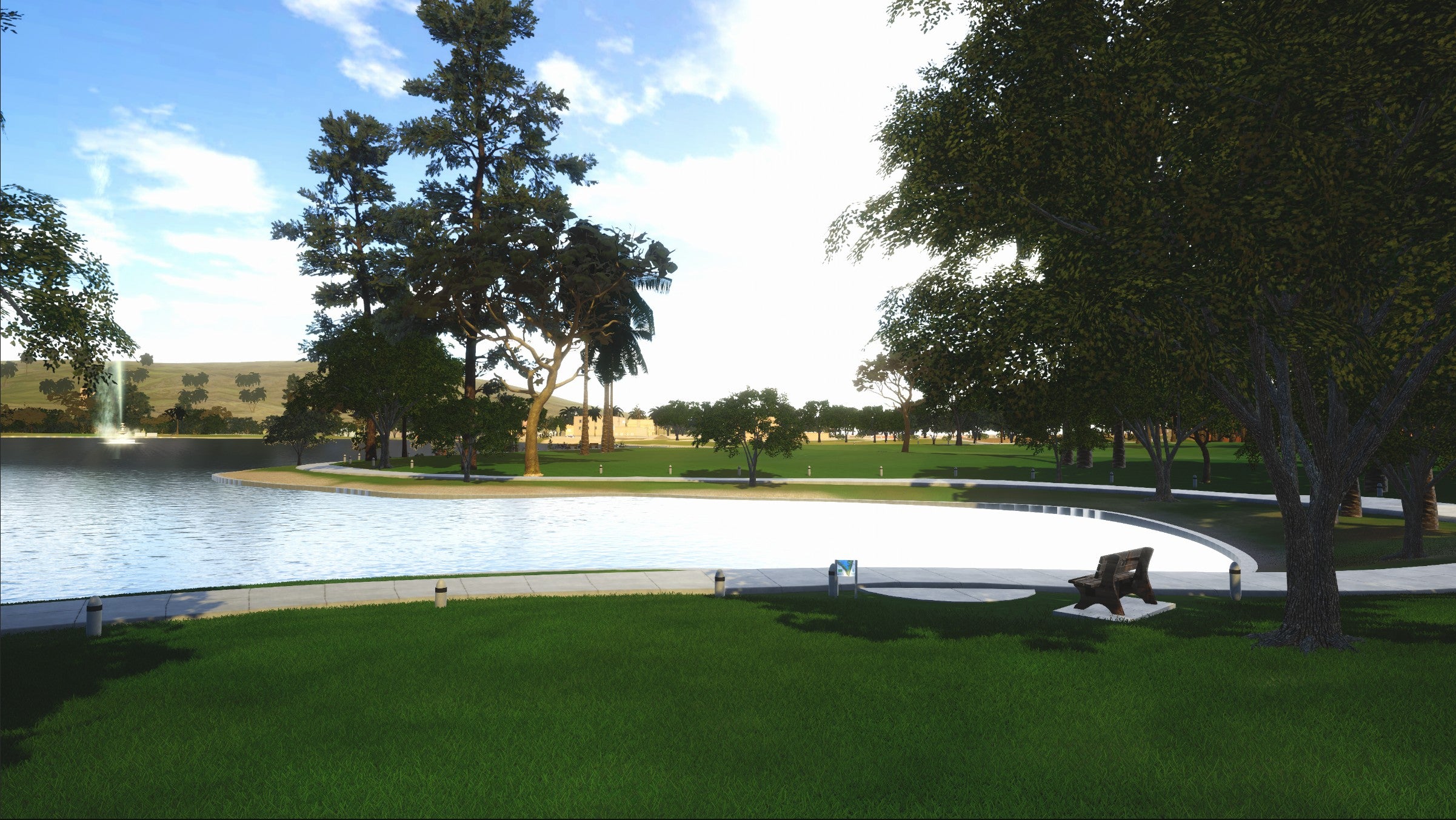
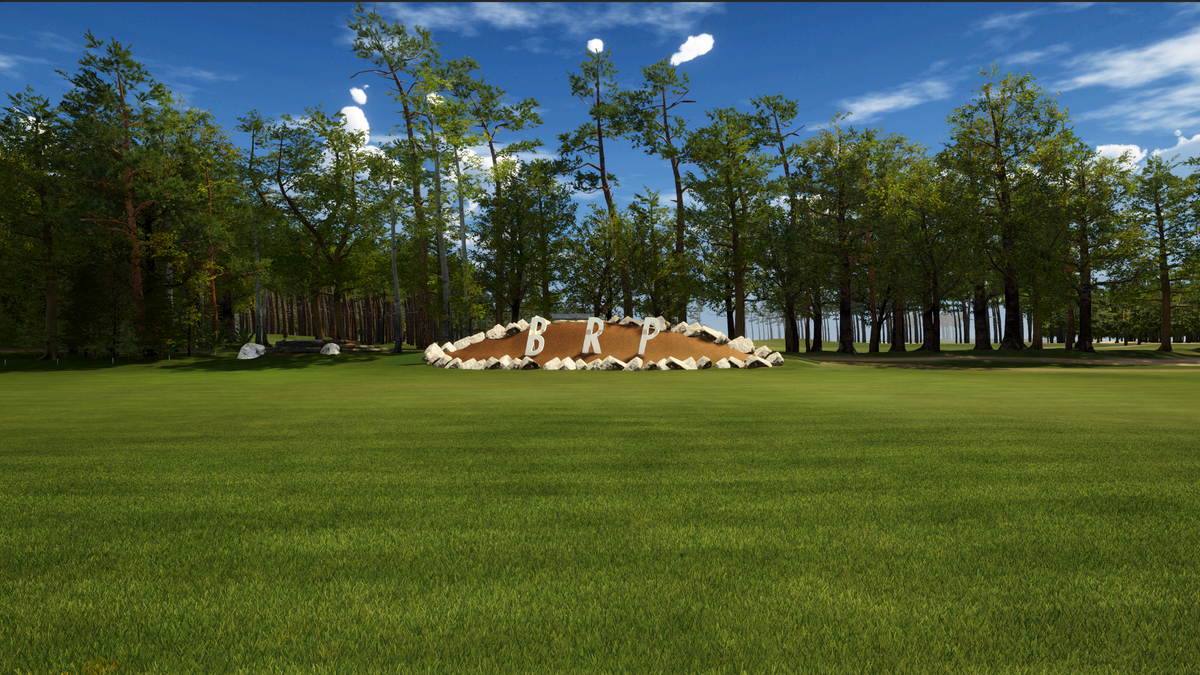
Yes. HYZR software includes multiple courses and gamemodes that you can play.
Yes. HYZR system includes a driving range, and a variety of practice modes.
HYZR One provides 8 throw metrics:
- Speed
- Spin
- Hyzer angle
- Nose angle
- Vertical launch angle
- Horizontal launch angle
- Wobble
- Launch position
HYZR tracks thefull 3D flight of the disc, including the real-world launch position and horizontal launch angle, to create a realistic simulator experience built specifically for disc golf.
The HYZR Swing Camera is an external camera that connects to the HYZR system and gives you an instant replay of your form inside the HYZR software. It is a useful tool for coaching and form practice. It's a Full HD 1080p at 120 fps, with an adjustable zoom lens, adjustable focus and aperture, and USB plug-and-play for Windows and macOS.
Home & Commercial Use
At the moment there is no subscription needed for home use. For business use a commercial license is needed.
The commercial license includes updates to the HYZR software and HYZR One itself, along with extended warranty for the launch monitor.